Clear navigation for busy retail spaces
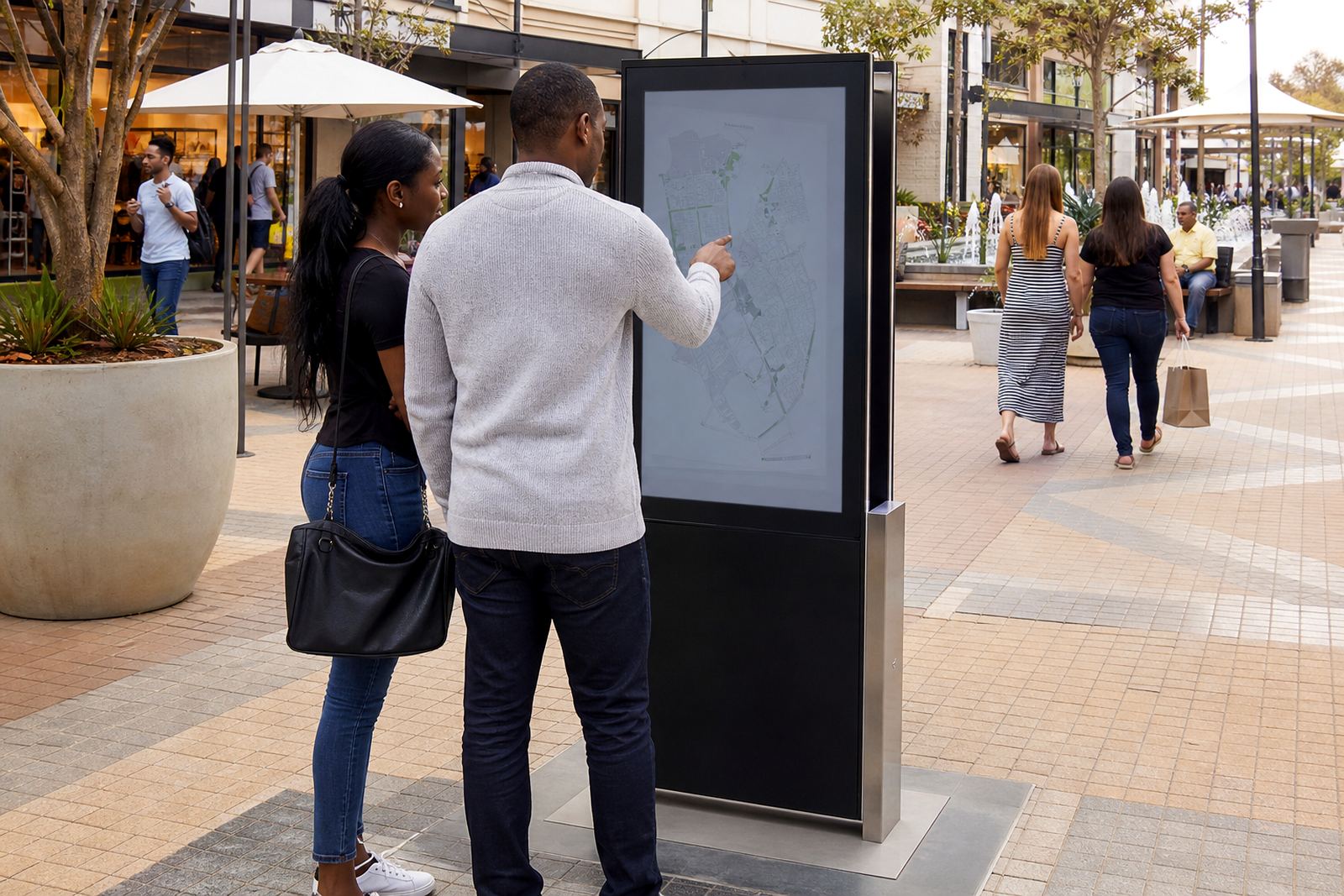
A wayfinding kiosk is an interactive touchscreen unit used to help people move through shopping centres, large stores, mixed-use precincts and multi-zone retail sites. It can show a map, a store directory, promotions, lifts, toilets, exits and accessible routes in one place. For customers who are unfamiliar with the layout, it cuts down on confusion and saves staff time at information points.
In South Africa, retail spaces often deal with a mix of weekend traffic, school holiday rushes and load-shedding planning. A well placed kiosk gives visitors a reliable self-service option when reception staff are busy, and it can be set up to keep working through short power interruptions when paired with the right backup arrangement.
The aim is simple: make the site easier to use. When shoppers can search by store name, category or floor level, they spend less time wandering and more time getting to the right place.
Sizes, screen options and mounting styles
Wayfinding kiosks are supplied in a range of screen sizes depending on the floorplan, viewing distance and amount of information you want to show. A smaller 43 inch unit suits compact malls or single-zone retail sites, while 49 inch, 55 inch and 65 inch screens are often chosen for larger centres where the kiosk needs to be seen from across an open concourse.
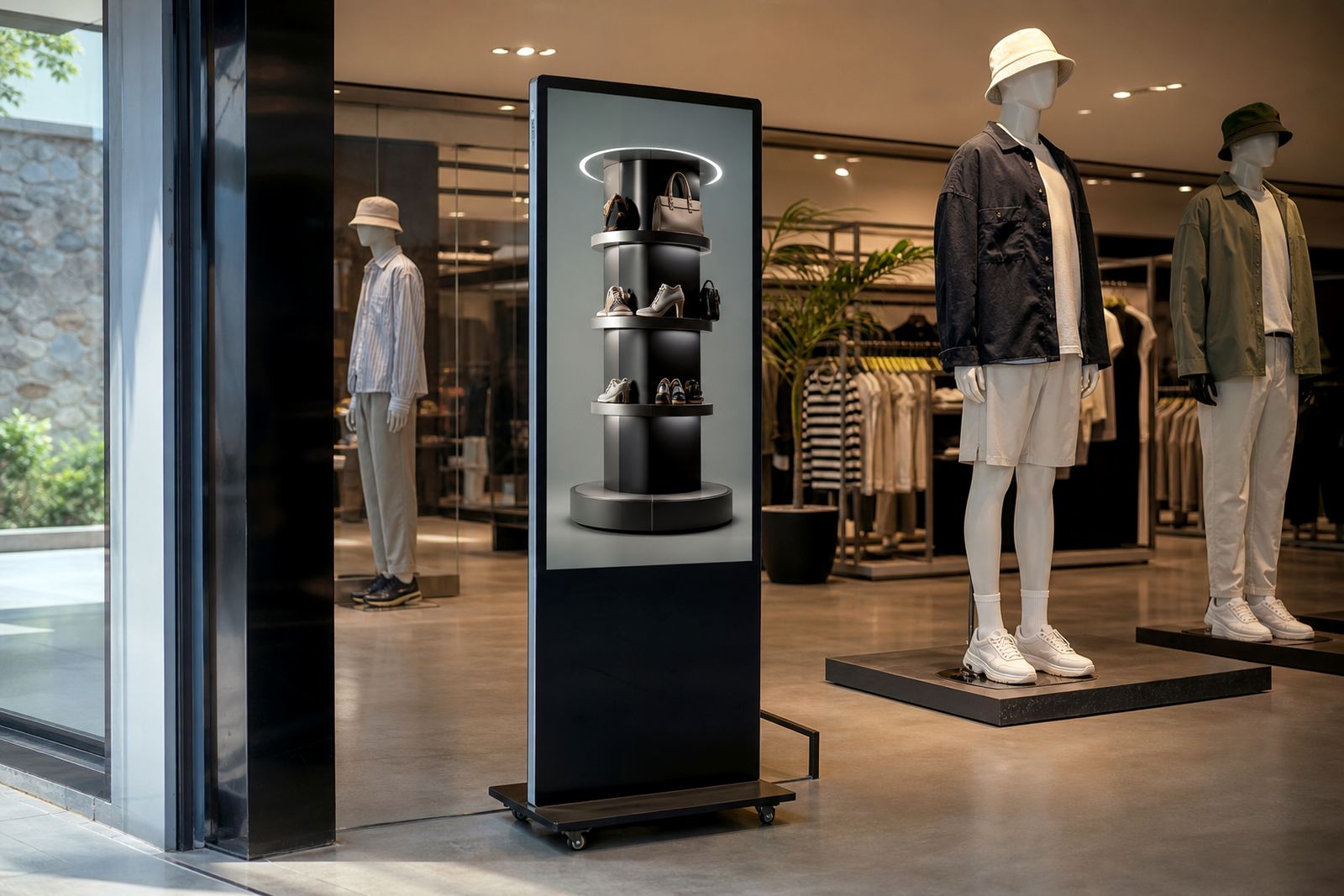
The kiosk can be supplied as a freestanding unit, wall-mounted panel, or enclosed floor-standing unit with a branded surround. Some sites prefer a portrait screen for tall directory pages, while others choose landscape if they want a wider map layout. Options can also include a lower reach height for wheelchair access, anti-glare glass and lockable service access panels.
- Screen sizes: 43 inch, 49 inch, 55 inch and 65 inch
- Display format: portrait or landscape
- Touch input: capacitive multi-touch
- Enclosure: powder-coated steel or aluminium finish
- Accessibility: lower touch height available on request
Where a wayfinding kiosk works best
This product suits shopping centres, premium supermarkets, motor showrooms, furniture stores, hospital retail zones, office park foyers and large mixed-use sites. It is especially useful where a site has more than one entrance, several levels, or separate zones for fashion, food, services and entertainment. In places like Johannesburg, Pretoria and Cape Town, where retail sites can be large and spread out, a clear navigation point makes a real difference.
It also helps in towns and cities where visitors may only know part of the centre. A tourist stopping in Durban for the day or a family visiting a Bloemfontein retail complex can use the kiosk to locate parking, pharmacies, customer service counters and dining areas without asking around. That said, the kiosk is just as useful for regular shoppers who want the fastest route to a specific store.
- Shopping centres with multiple wings or levels
- Retail sites with service counters, offices and public amenities
- High footfall areas near entrances, lifts or escalators
- Multi-tenant sites where store names change often
- Sites that need self-service information after hours
Installation, power and site requirements
Installation starts with a site assessment to check traffic flow, power points, network access and the best viewing position. The kiosk should be placed where people naturally pause, but not in a spot that blocks movement or creates congestion. Near an entrance, main atrium or customer service area is often best, though the final position depends on the site layout and security plan.
Power requirements depend on the screen size and internal components, but most units need a standard 220V supply with a properly protected outlet. In centres where power dips or load-shedding is part of the operating plan, backup power or UPS support should be considered so the kiosk remains available. If the kiosk uses live map updates or remote content control, a stable network connection is needed. For indoor units, no gas supply is required.
Where municipal rules or centre management controls apply, mounting, cable routes and signage must be approved before installation. That includes fire access, wheelchair circulation and any restrictions on drilling into floors or walls.
Keeping the kiosk reliable in daily use
Retail kiosks need regular care because they are touched all day and exposed to dust, fingerprints and repeated use. In coastal areas such as Durban or Cape Town, salty air and humidity can affect fittings over time, so enclosure quality and routine servicing matter. A simple cleaning schedule with a soft cloth and approved screen cleaner helps keep the display readable and the touch surface responsive.
Preventative servicing should include checking fans, filters, cables, mounting points, software health and any lockable access panels. If the site is busy, it is worth having a support retainer in place so faults can be handled quickly. Common issues include damaged touch calibration, loose network connections, failed components and wear on buttons or doors. Parts replacement should be planned for, especially at centres with long trading hours.
- Clean the screen daily with a non-abrasive cloth
- Check ventilation openings for dust buildup
- Test touch response and directory accuracy regularly
- Inspect power protection after outages or surges
- Schedule servicing before peak retail periods
What to confirm before placing an order
Before ordering a wayfinding kiosk, confirm the exact purpose of the unit. Some sites only need a simple store directory, while others need full map navigation, search by category, bilingual content or promotional panels. It helps to know whether the kiosk will be updated by head office or by site staff, and whether the content needs to link with existing store databases or centre management systems.
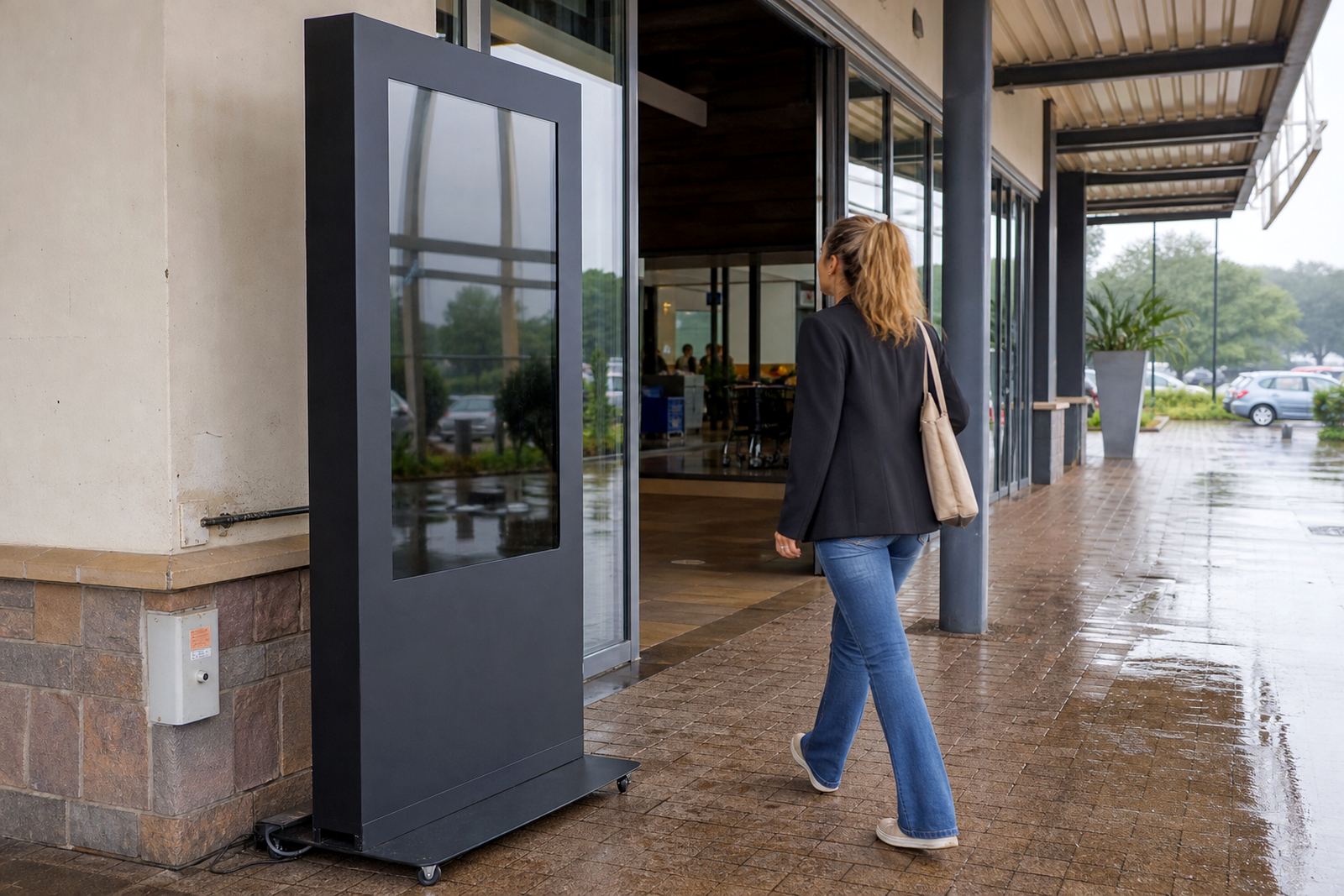
Also check the physical details. Measure the available footprint, confirm doorway widths for delivery and make sure the unit can be installed without blocking access routes. If the kiosk will sit in a public area, ask about anti-vandal features, lockable access and finish colour to suit the centre interior. For outdoor or semi-outdoor use, extra weather protection may be needed, but most retail wayfinding units are intended for indoor spaces.
Our team in Midrand supports retail sites across Johannesburg, Pretoria, Sandton, Centurion, Cape Town, Durban and Bloemfontein with site assessments, solution design, content loading, software configuration, delivery installation and staff training. With the right information upfront, the kiosk can be matched properly to the space and the way your shoppers move through it.
Key facts
| Product type | Interactive touchscreen wayfinding kiosk |
|---|---|
| Screen sizes | 43 inch, 49 inch, 55 inch, 65 inch |
| Touch technology | Capacitive multi-touch |
| Typical supply | 220V AC, protected outlet recommended |
| Mounting options | Freestanding, wall-mounted or enclosed floor-standing |
| Use environments | Indoor retail centres, large stores, mixed-use sites |