Simple In-Store Price Checks That Keep Shoppers Moving
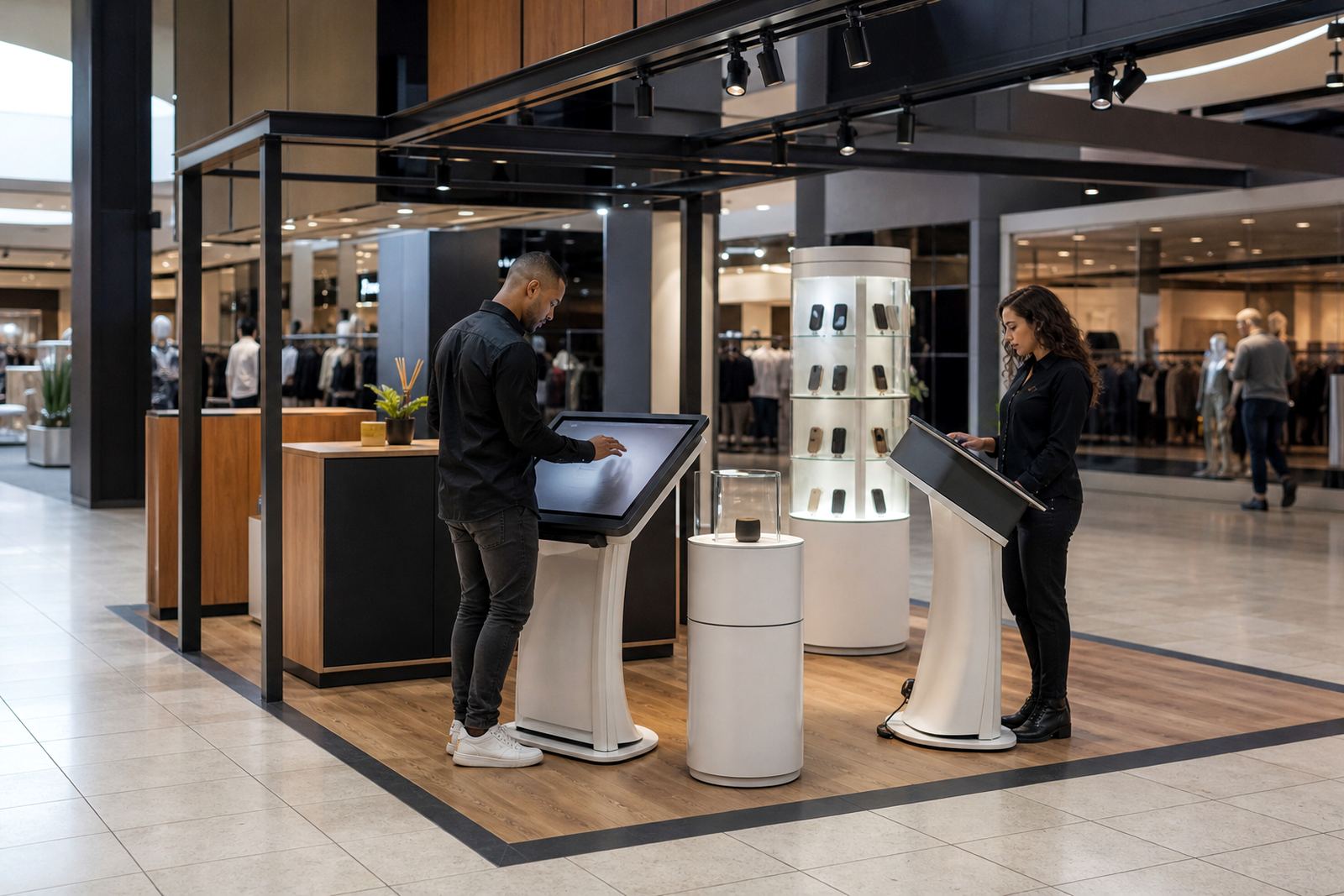
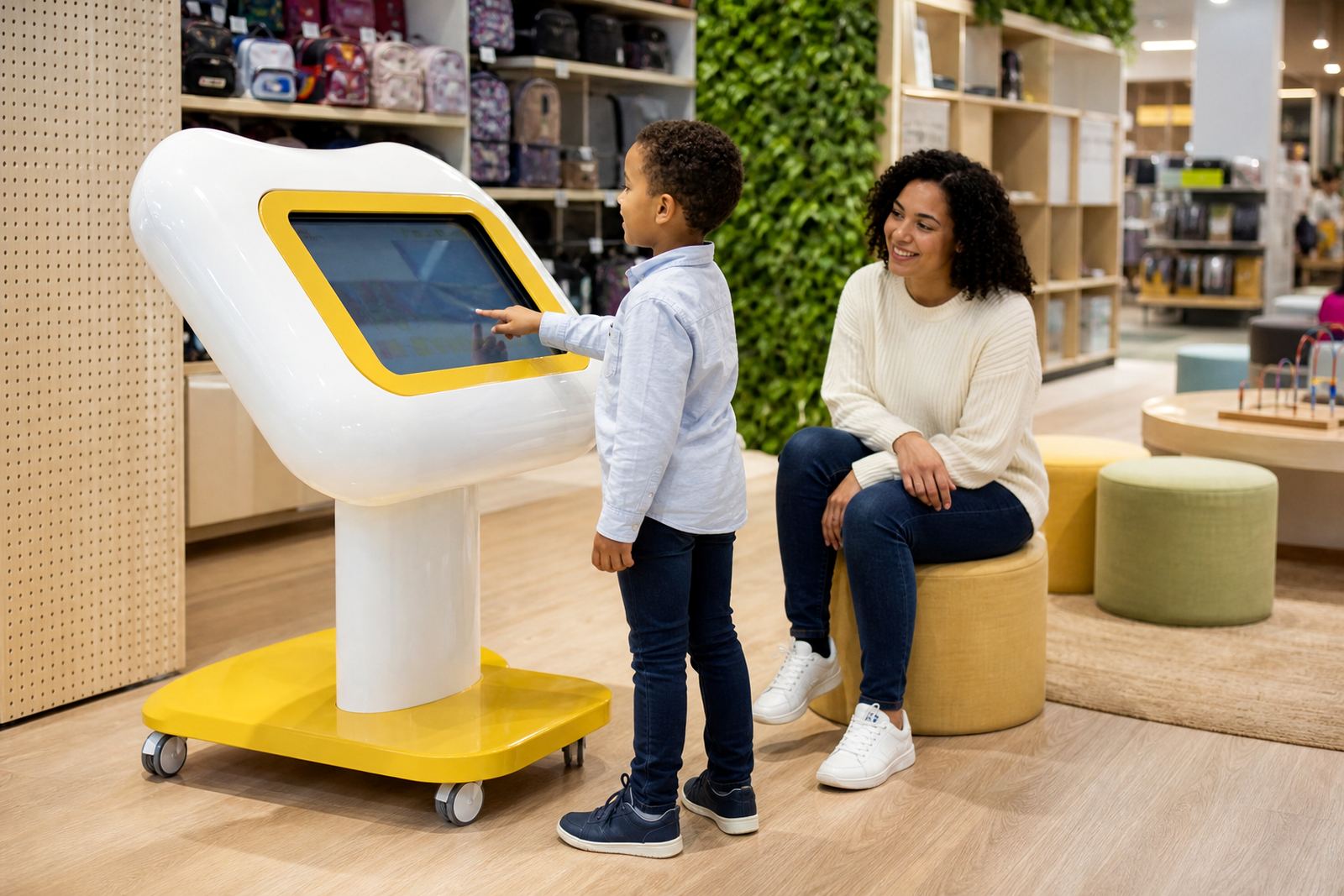
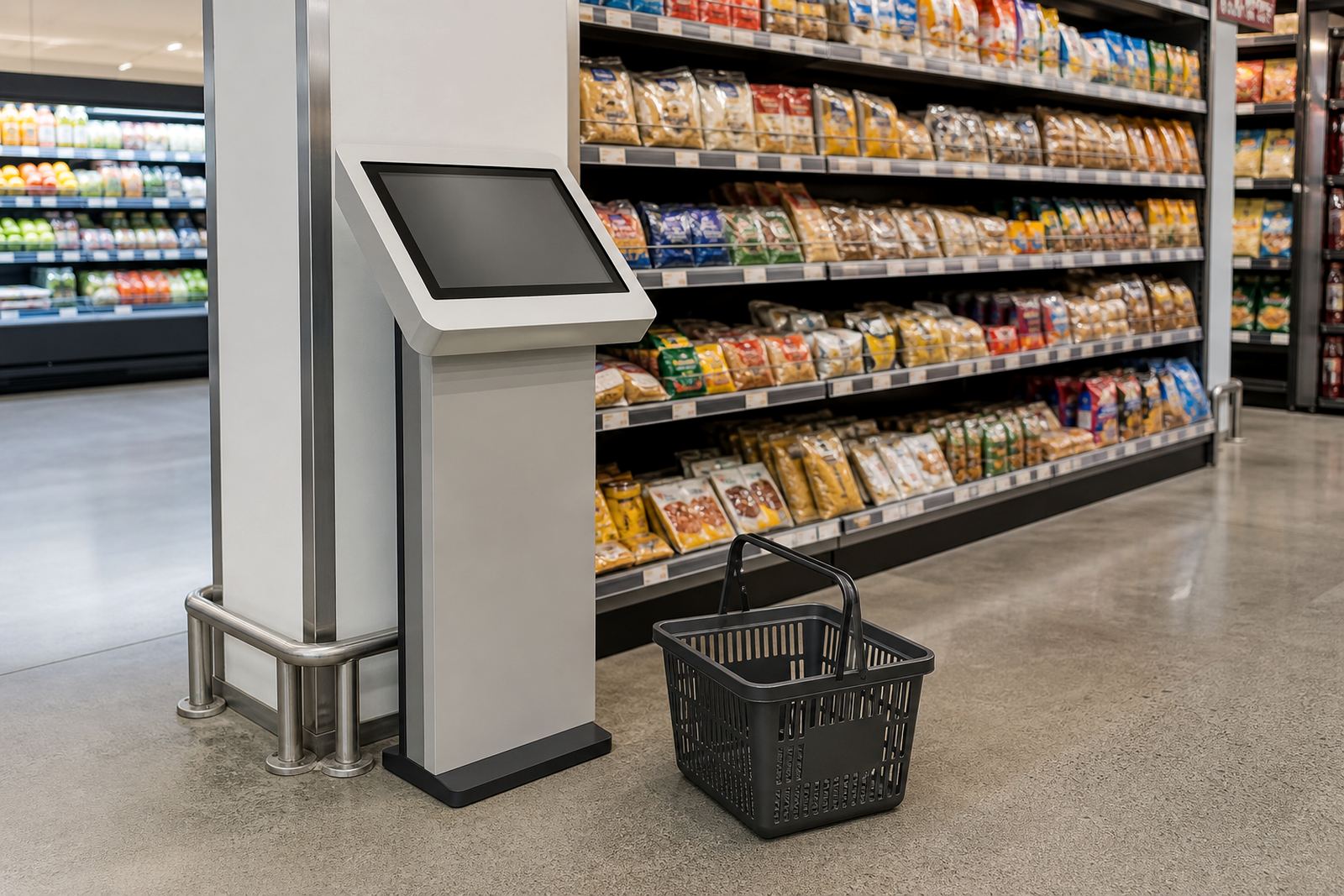
The price check kiosk is a compact interactive unit placed in the aisle, at the end of a gondola or near high-turnover categories such as hardware, cosmetics, clothing and homeware. Customers tap the screen to scan or search an item and see current pricing, variants, stock messages or simple product information before they head to till. For stores that deal with heavy foot traffic in Johannesburg, Pretoria, Cape Town, Durban or Bloemfontein, it helps cut down on staff interruptions and keeps the floor moving.
It is designed for practical retail use, with a clear display, responsive touch input and a cabinet that can be finished to match the store interior. Where humidity is high, such as coastal Durban or Cape Town sites close to the sea, we recommend a specification and finish that can handle regular cleaning and day to day use without looking tired too quickly.
Sizes, Screen Options And Mounting Styles
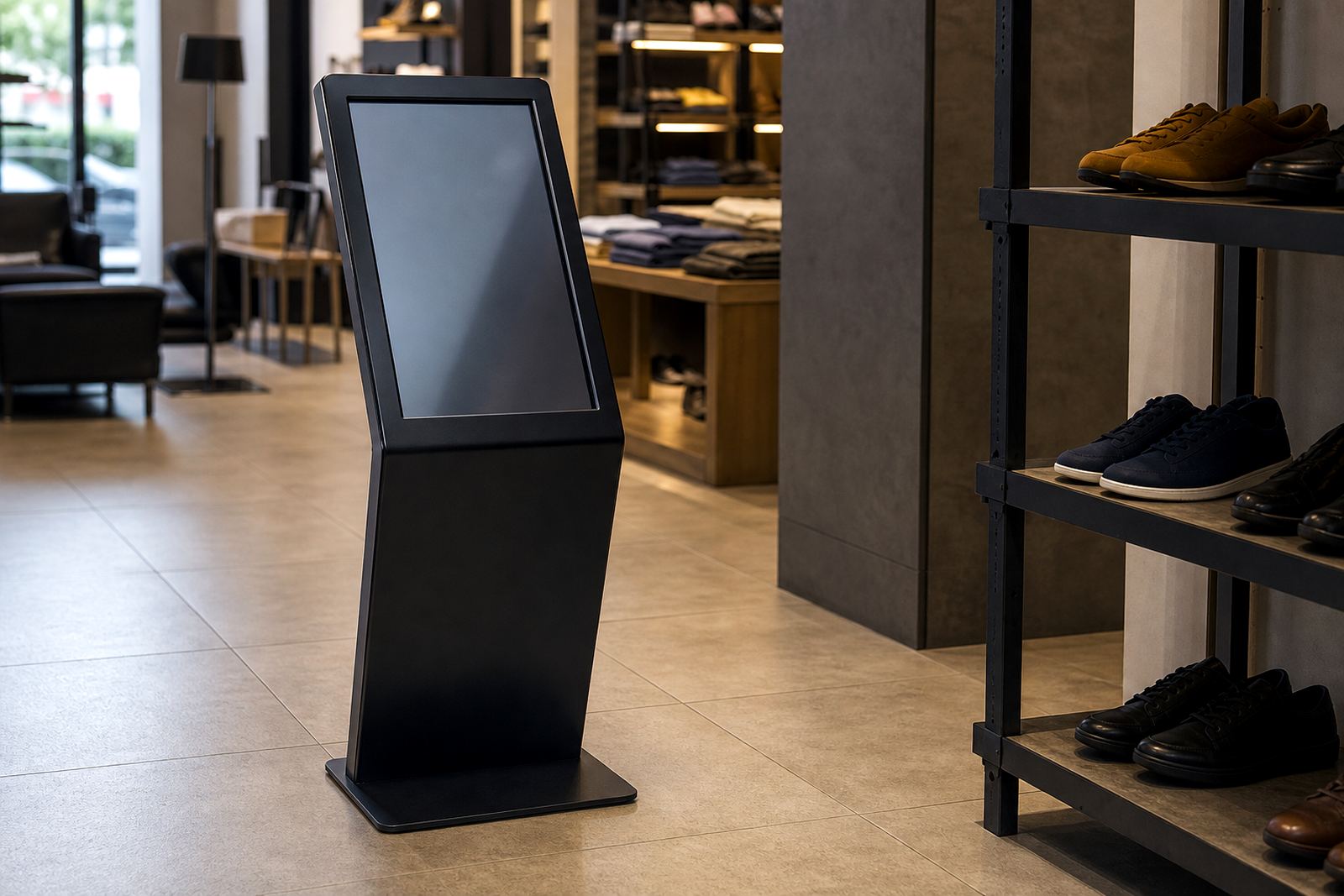
Most price check kiosk installations are built around a 21.5 inch to 32 inch touch screen, depending on aisle width and the level of detail you want to show. A smaller screen works well for quick price confirmation while larger formats suit stores that want product images, comparison prompts or a short list of related items. The cabinet can be wall mounted, floor standing or built as a slim pedestal unit for tighter spaces.
- Typical screen sizes: 21.5 inch, 27 inch or 32 inch
- Display type: projected capacitive touch for accurate input
- Cabinet style: wall mount, pedestal or freestanding base
- Finish options: powder coated metal, laminated panel or branded wrap
- Use case: single item lookup, promoted range info or barcode assisted search
If you are fitting several units across a large store, we can keep the footprint consistent so the kiosks sit neatly along the customer route. That matters in stores with narrow aisles or strict fire escape requirements, where every millimetre counts.
Where A Price Check Kiosk Works Best
This product suits supermarkets, DIY stores, electronics shops, pharmacies, fashion outlets and speciality retailers that carry many SKUs. It is especially useful where shelf labels change often, where promotions run weekly, or where customers need a quick answer on variants like size, colour or pack count. It also works well near seasonal displays and bulk buy areas where staff are often pulled in two directions.
For chain stores, the kiosk can be standardised across branches in Midrand, Sandton, Centurion and other Gauteng sites, then rolled out to supply points in Cape Town, Durban and Bloemfontein. That gives the store a familiar customer experience from branch to branch and makes staff training simpler.
- Helps reduce pricing queries at till points
- Supports self-service in high traffic periods
- Useful for stores with frequent promotions
- Can be placed near entry points or category aisles
Power, Network And Installation Requirements
A price check kiosk normally needs a standard 230 V mains supply and a stable network connection for live pricing or linked product data. If the site runs on Wi-Fi we can set up wireless connectivity, but a cabled connection is preferred for busy stores where signal can drop behind shelving or refrigeration. In areas affected by load-shedding, many retailers add backup power to keep the kiosk running during trading hours and avoid an empty screen at the wrong time.
Installation normally includes site assessment, positioning, cable planning, software configuration and final testing. We also check the route for power and data so the kiosk does not sit where cleaning trolleys, cages or stock movement will knock it around. If the unit is installed near an entrance or a mall common area, we look at municipal and centre management rules too, because fixing things after the fact costs more than planning properly.
- Power: 230 V AC supply
- Data: Ethernet or secure Wi-Fi connection
- Backup: optional UPS or inverter support
- Mounting: floor anchor, wall fix or weighted base
- Site checks: access, visibility, cable route and traffic flow
Care, Cleaning And Preventative Servicing
Retail floors are hard on equipment, so the kiosk should be wiped daily with a soft cloth and a non-abrasive cleaner suitable for touch screens. Avoid harsh chemicals that leave a film or damage the surface. In stores near the coast, we also recommend more regular checks for corrosion on exposed metal parts and fittings, especially where doors are left open and salty air gets inside.
Preventative servicing usually covers screen calibration, fan and ventilation checks, connector inspection, software updates and a quick review of the cabinet fixings. If the kiosk is running all day, a planned service visit can catch small faults before they turn into a dead screen on a Saturday. That is where support retainers and fault repairs make sense for retailers who rely on the unit daily.
What To Confirm Before You Order
Before placing an order, it helps to confirm the exact use case and the level of interaction you need. Some retailers only want a simple price lookup, while others want product images, item descriptions, scan to search, or a connection to internal pricing data. The more detailed the screen content, the more important the software and network setup becomes.
We usually ask clients to check the following:
- Screen size and viewing distance
- Single function or full product information display
- Wall mounted, pedestal or freestanding installation
- Power point and network point location
- Branding colours and finish requirements
- Delivery access, loading bay rules and installation timing
For retailers with multiple branches, it also helps to decide whether every store needs the same setup or whether flagship sites should carry extra features. A clear brief saves time, and it helps keep the final unit aligned with your store layout and budget.
Key facts
| Screen size | 21.5 inch, 27 inch or 32 inch touch display |
|---|---|
| Touch type | Projected capacitive multi-touch |
| Power requirement | 230 V AC, standard single phase supply |
| Connectivity | Ethernet or secure Wi-Fi |
| Mounting options | Wall mount, pedestal or freestanding |
| Finish | Powder coated metal or branded laminated panels |