What the Interactive Sample Station does on the floor
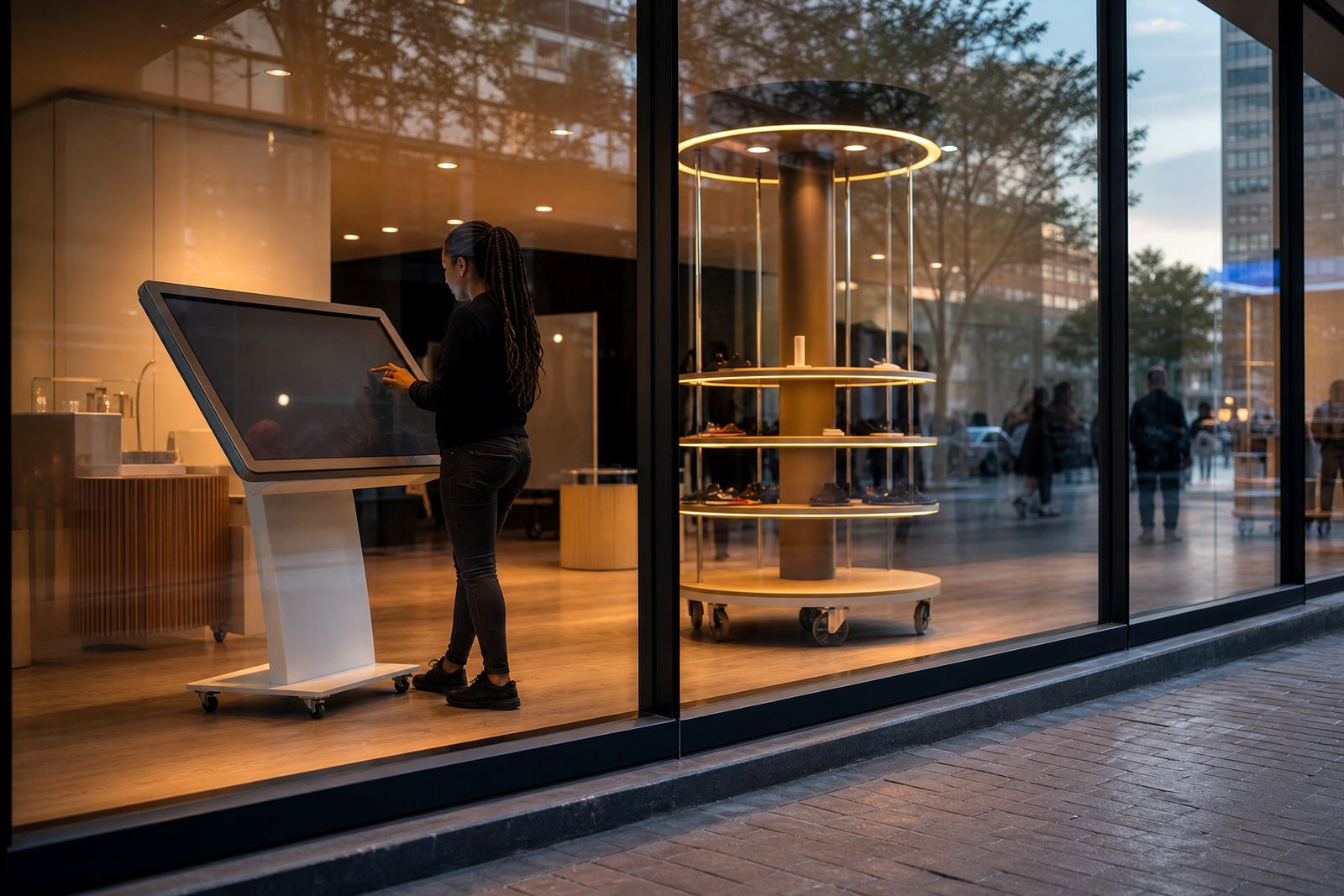
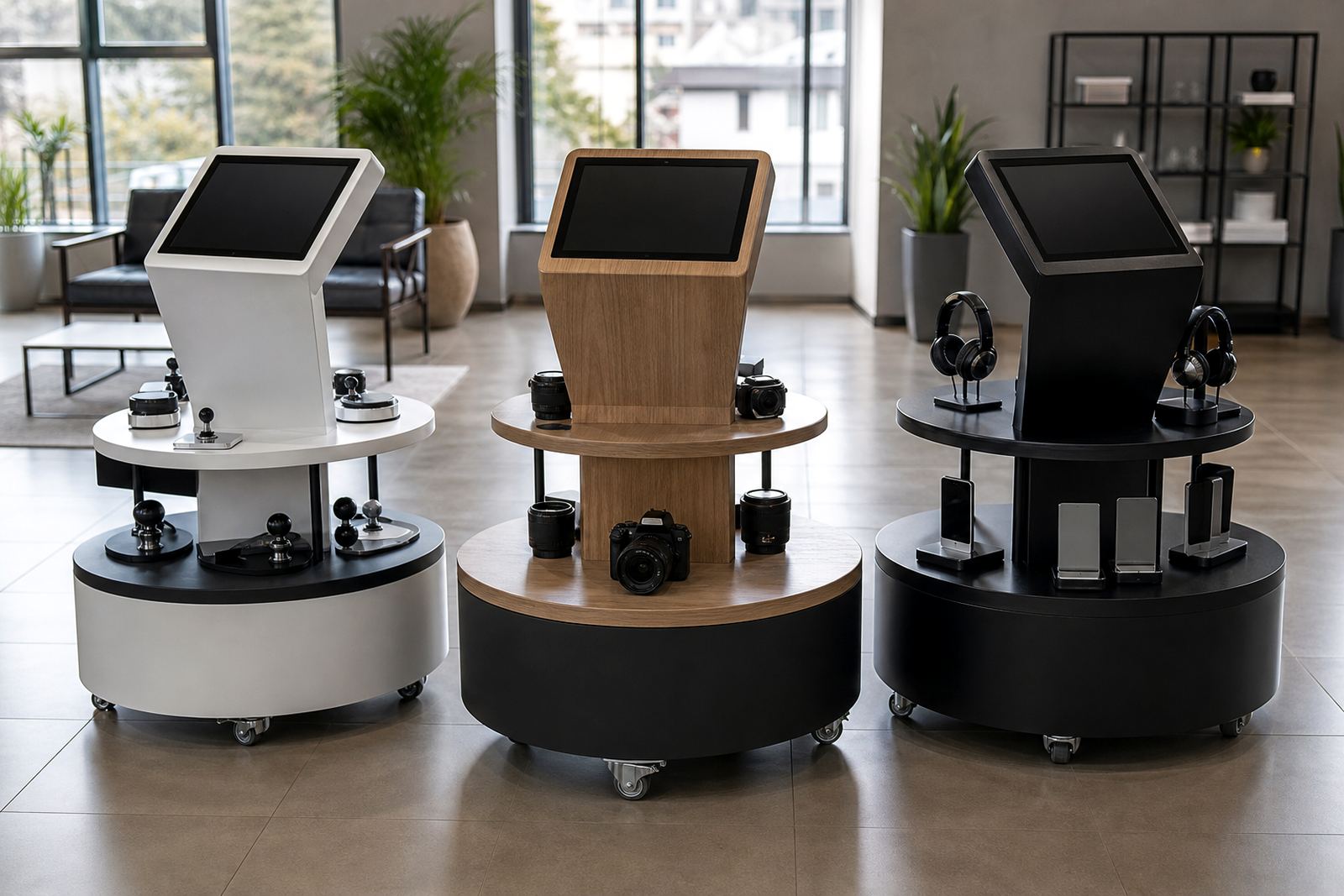
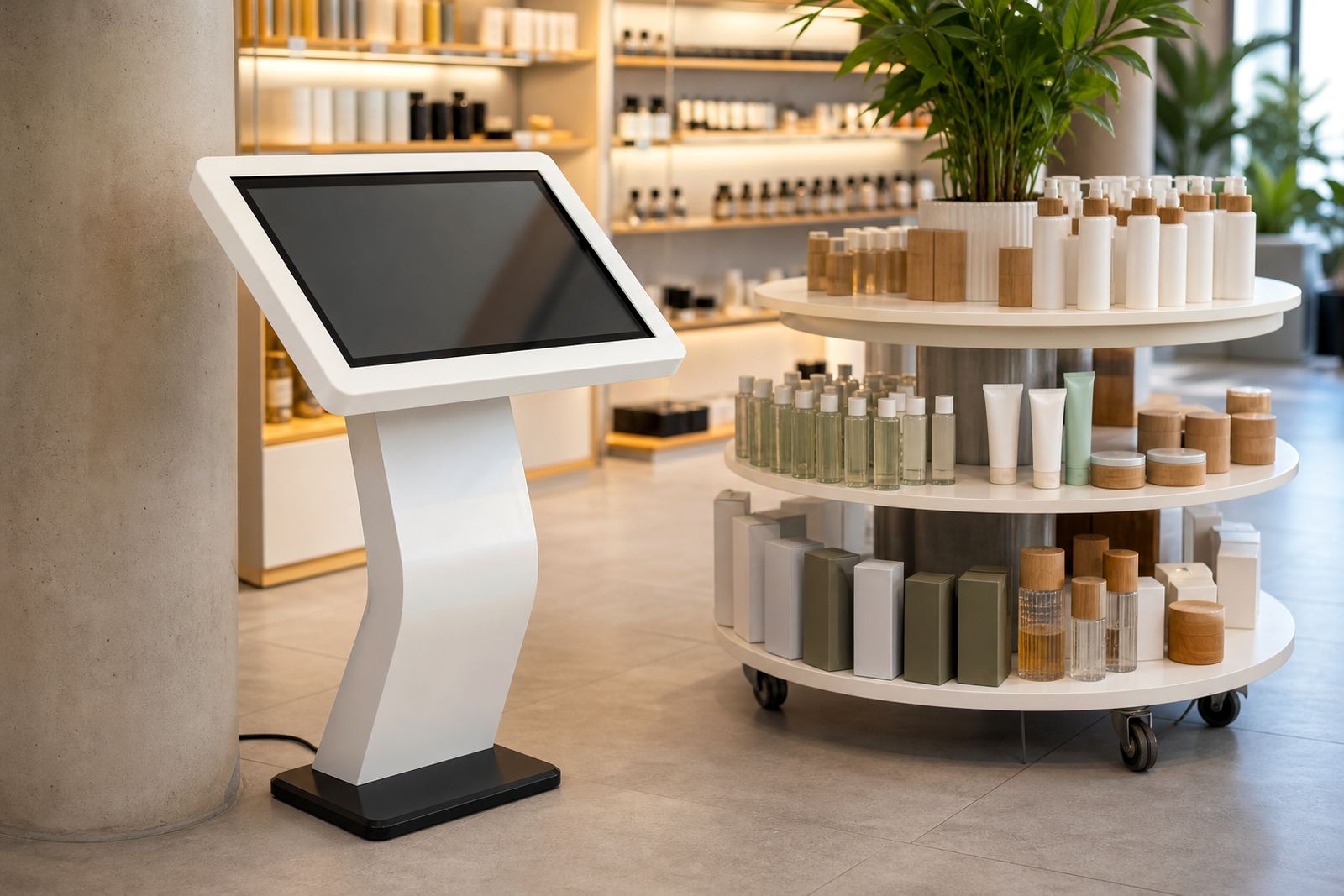
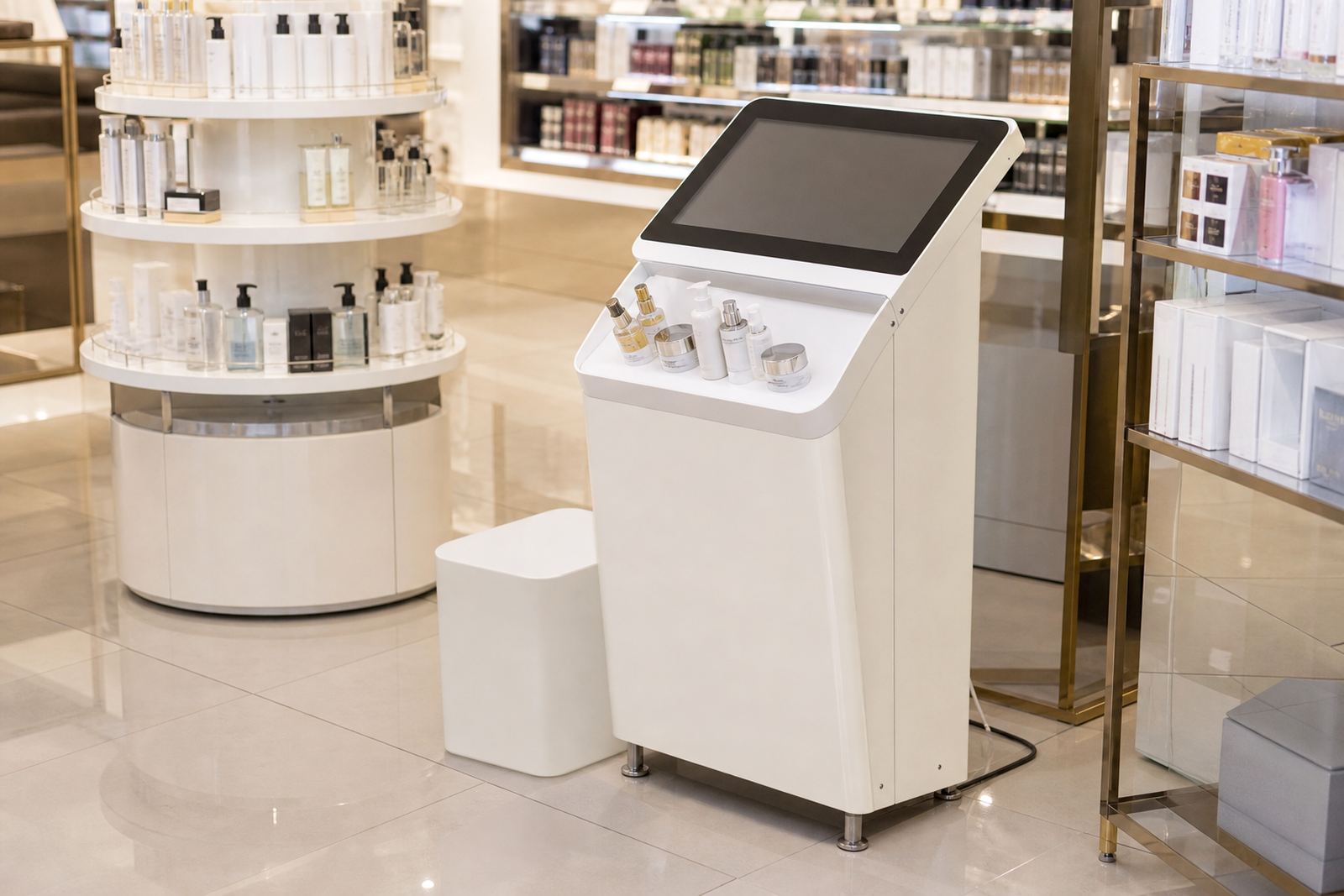
This unit combines hands-on product touchpoints with a digital screen so customers can feel the item, see key details and follow guided content in one place. It is useful where a range needs quick explanation, such as new launches, seasonal specials, technical items or products that benefit from a live demo. The station can be set up as a self-guided point or as a staff-led display, depending on your store layout and the level of customer assistance you want.
In practical terms, the station helps reduce repeated questions at the counter because pricing, features, usage notes and comparison content can be shown on screen. That makes it handy for stores in Johannesburg, Pretoria, Cape Town, Durban and Bloemfontein where foot traffic can change fast during weekends and month-end. For many retailers, it also keeps display stock tidy and secure, with the sample at hand but the full range stored elsewhere.
- Suitable for product trials, comparison charts and short videos
- Can be linked to a simple touch menu or a fixed loop presentation
- Works well in single-store and multi-branch retail setups
Sizes, layouts and display options
The station is typically built to suit the product being demonstrated and the space available. Smaller floor units suit tills, aisle ends and promo islands, while larger versions work better in showroom areas or dedicated experience zones. If you are working with limited space in Sandton or Centurion, a compact footprint may be the better choice. If your store in Cape Town or Durban needs to handle heavier footfall, a wider layout with stronger product access points is often more practical.
Options can include a single screen, dual-facing screen, lockable storage below, sample trays, brochure holders and branded panels. Height is usually set for comfortable viewing while standing, and the touch area can be angled to reduce glare from overhead lighting. In humid coastal areas, we also consider airflow and material choice so the unit stays presentable and the casing does not pick up moisture too quickly.
- Compact counter style units for tight floor space
- Mid-size floor stands for general retail use
- Larger branded stations for launches, expos and demo bays
Where it suits and how retailers use it
This type of station is suited to stores that need to explain a product before the sale is made. It works well for electronics, homeware, beauty, garden goods, appliances and speciality retail, especially where a customer wants to compare options before committing. It is also useful for franchised stores that want a consistent presentation across branches, as the same content can be loaded and updated across the network.
Retail teams often use it near entrances, promo tables, service counters or category bays. A well placed station can slow a passing customer just enough to start a conversation, and that can improve dwell time without making the floor feel crowded. For chains with several branches, the same format can be rolled out to Midrand, Johannesburg, Pretoria, Cape Town, Durban and Bloemfontein with the content adapted per region or product line. The aim is simple: make the product easy to understand and easy to try.
- Best for products that need explanation or comparison
- Useful for launches, campaigns and in-store promotions
- Can be set up as staff-assisted or customer-led
Installation, power and connectivity requirements
Installation starts with a site assessment so the footprint, traffic flow and power point position can be checked before delivery. Most stations need a standard 230V supply, with cable routing planned neatly to avoid trip hazards. Where a store has load-shedding concerns, we can plan for backup power options on the client side, or recommend a setup that shuts down and restarts cleanly after interruptions. If the display is using network content, we also check whether the branch has stable Wi-Fi or a cabled network point nearby.
The station can be delivered and installed in a single visit when access is straightforward, though larger units may need site preparation first. We also look at flooring, wall clearance, public access and any store rules around overnight work or mall management approvals. In busy centres, it helps to schedule installation outside peak trading hours so the floor team can keep trading without disruption.
- Requires a standard 230V power point unless otherwise specified
- Network connection can be wired or wireless, depending on the site
- Installation planning should allow for access, loading and floor safety
Care, servicing and what keeps it working well
Regular care keeps the station looking clean and working properly. Screens should be wiped with a soft cloth and a suitable cleaner, not harsh chemicals that can damage the surface. Product touch areas need more frequent cleaning in stores with high customer traffic, and the casing should be checked for loose fittings, scuffs or worn decals. If the unit is used near entrances, dust and grit can build up quicker, so a weekly clean is a good habit.
We recommend preventative servicing for retailers that run the station daily, especially where the unit is part of a sales campaign or sits in a high-use zone. This can include software checks, cable inspection, screen testing and hardware tightening. If a part fails, a quick repair or replacement helps keep the station live and avoids downtime. For stores with several branches, a support retainer can make maintenance easier to plan and budget for.
- Wipe screens and panels with non-abrasive cleaning products
- Check cables, mounting points and sample fixtures regularly
- Book scheduled servicing for busy or multi-branch stores
What to check before you place an order
Before ordering, it helps to confirm how the station will be used and what it must hold. The size of the product sample, the amount of content needed and the available floor space all affect the final layout. If the station is going into a mall, check the centre rules on delivery times, cable routing and signage. If it is going into a street-front store in a coastal town, check whether extra protection is needed for humidity or salt air.
It is also worth confirming who will update the content, whether the unit needs branding in your store colours, and whether staff training should be included with handover. One small detail often missed is the exact position of the power point, which can affect where the station sits on the floor. A little planning early on saves a lot of rework later.
- Product size and weight for the sample section
- Screen size, content format and branding requirements
- Power point position, network access and delivery timing
Key facts
| Product type | Interactive sample station with hands-on product area and digital screen |
|---|---|
| Typical sizes | Compact, mid-size and large floor-standing options |
| Power | 230V standard supply, with site-specific planning for backup power |
| Connectivity | Wi-Fi or cabled network, depending on branch setup |
| Materials | Powder-coated metal, laminated panels and retail-grade fittings |
| Use cases | Product demos, launches, comparison displays and guided sales |