What Network Integration Covers In A Retail Store
Network integration is the work that lets a kiosk speak to your retail systems instead of sitting there as a standalone screen. That can mean live product feeds, price updates, stock visibility, campaign changes, store reporting or access to a central content server. For multi-site retailers, it also helps keep the same information flowing to every branch, which saves staff time and cuts down on out-of-date product information.
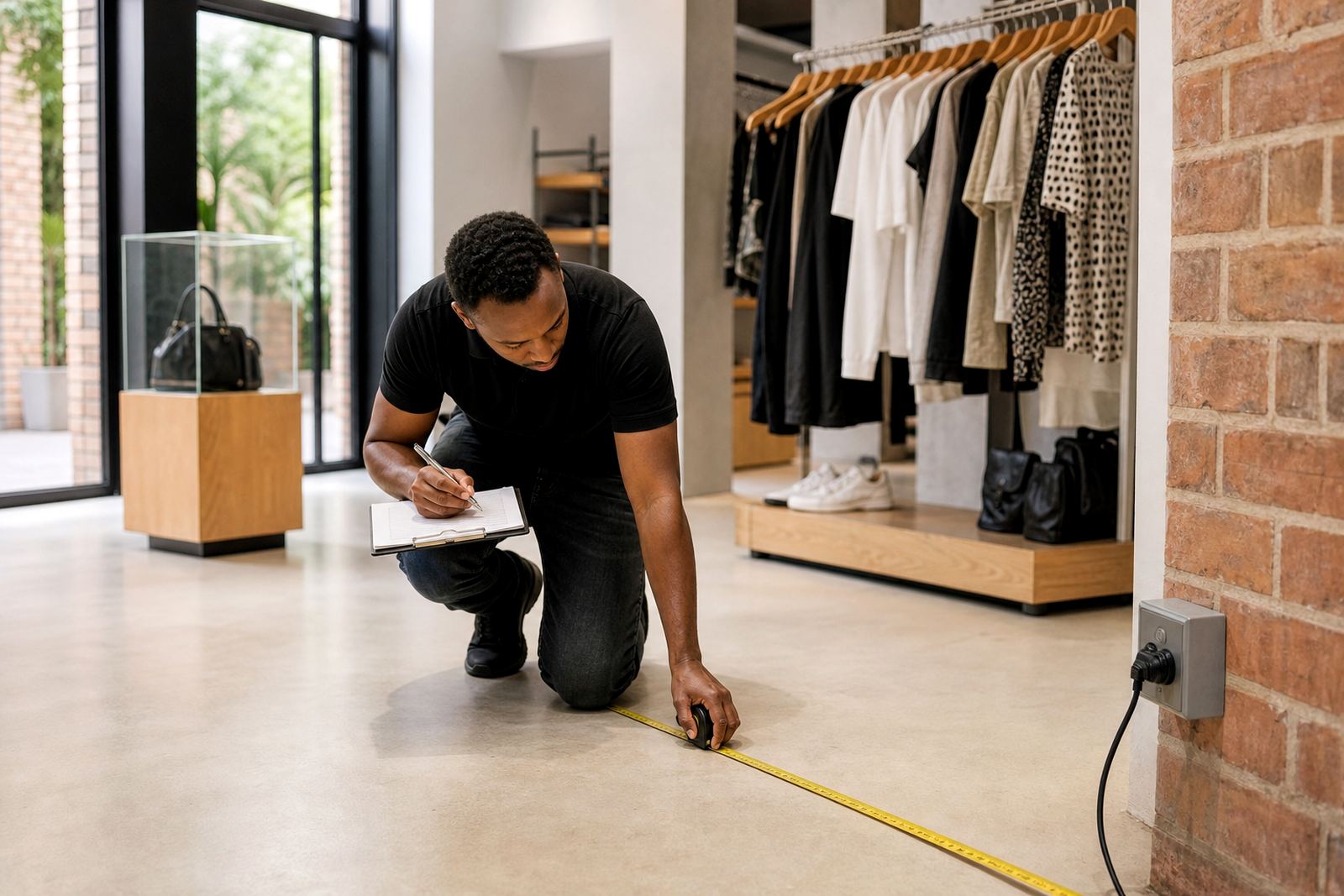
We assess how each kiosk will connect, whether through the store LAN, Wi-Fi, a secure VLAN or a dedicated data line. In some sites, a kiosk only needs access to a local content folder. In others, it must sync with online catalogues, cloud reporting or head office updates several times a day. We plan around the store layout, building material, router position, load-shedding backup and the level of network access already in place.
Typical work includes testing signal strength, confirming IP settings, checking firewall rules, setting up safe access to the required systems and making sure the kiosk behaves properly if the network drops. That way the unit can keep running even when the connection is patchy for a spell.
Systems, Connections And Security Checks We Handle
Our team works with retail IT staff, store managers and contractors to connect the kiosk without causing avoidable downtime. We keep the scope clear from the start so your branch team knows what will be touched and what will stay as-is.
- Ethernet and Wi-Fi connection setup for kiosk hardware
- Network access planning for single sites and multi-branch rollouts
- Firewall and port checks for approved content and reporting systems
- VLAN separation where kiosks must stay off the main guest network
- IP addressing support, including static or DHCP settings
- Sync testing for catalogues, promotions, content and usage reports
- Basic remote access setup for maintenance and support
- Offline fallback checks so the kiosk can still show key content when the line drops
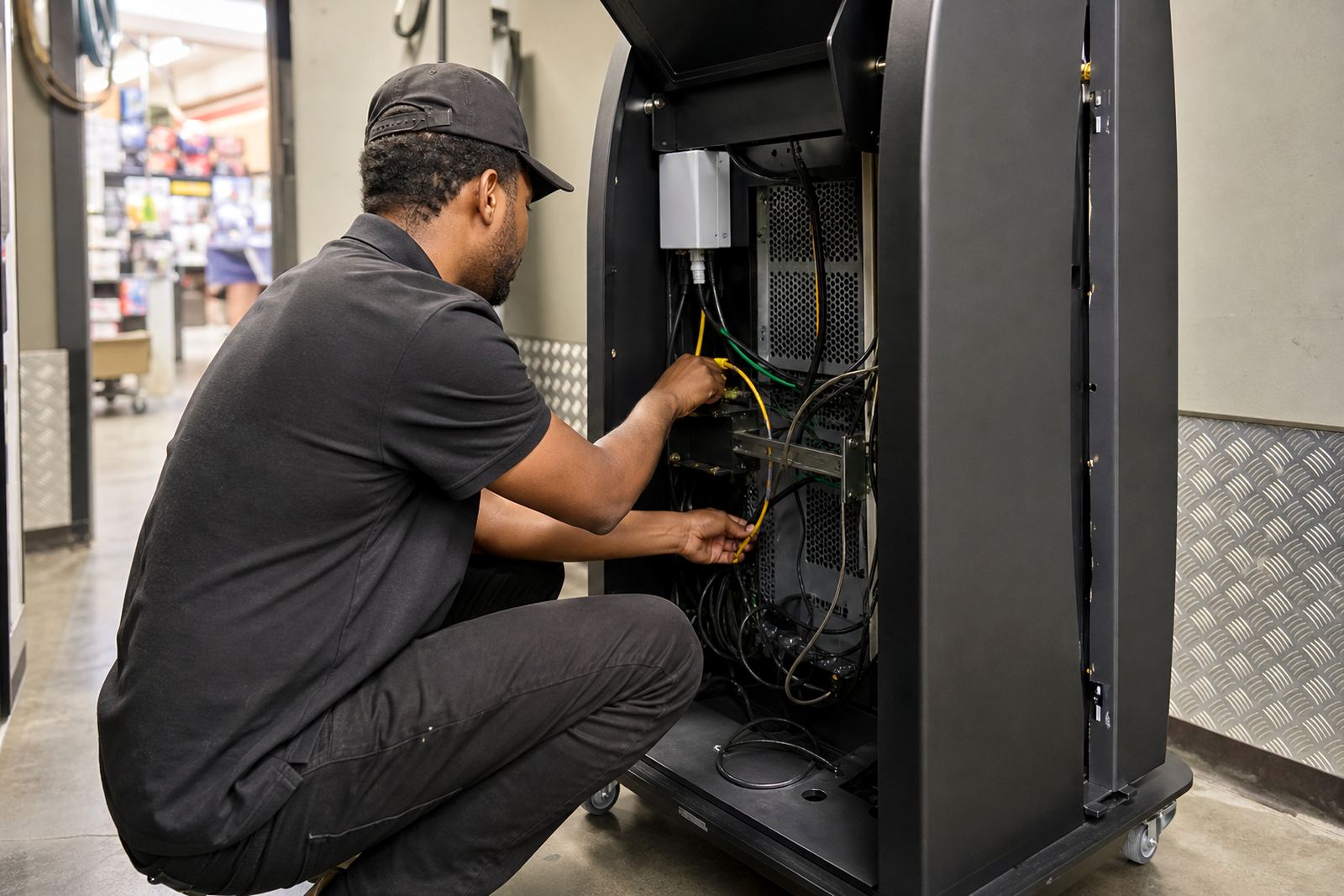
For retail environments near the coast, we also look at cabinet placement and cable protection because humid air can affect connectors over time. In Gauteng, the bigger issue is often power interruptions and network equipment that reboots badly after a cut. We factor that into the setup and test the system after restore, not just when everything is steady.
Our Integration Process From Site Check To Go-Live
We follow a practical process so the integration is finished properly, not patched together in a rush. The exact steps depend on the store size and how much of the system is already in place, but the sequence is usually the same.
- Site assessment to confirm signal, cable routes and equipment positions
- Review of your network rules, system access and kiosk purpose
- Design of the connection method and any security controls needed
- On-site installation or reconfiguration at the agreed branch
- Content sync, catalogue checks and live reporting tests
- Staff handover with simple operating notes for store teams
- Post-installation support to catch any early faults or data issues
During rollout, we keep communication practical. If a store needs the kiosk live before a promotion starts, we will prioritise the most critical functions first, then complete secondary links once the branch is trading smoothly. The aim is to get the unit useful on day one, then refine the rest without upsetting the floor team.
Turnaround Times And What Affects Them
Simple network connections can often be completed in a single site visit once access is approved and the required systems are ready. More involved jobs, such as linking several branches to one content platform or setting up secure reporting paths, may take longer because we must coordinate with your IT team and sometimes the building contractor as well.
Turnaround depends on a few things: whether the store network is already documented, whether the kiosk needs new cable runs, whether firewalls need changes and whether content sources are local or cloud based. If a site is in a mall with strict access times, that can add scheduling delays too. In many cases we can still work around trading hours and do the final tests early in the morning or after close.
We always try to give a realistic programme up front. If a branch in Sandton or Cape Town needs an integration ahead of a launch, we will tell you what is possible and what must be signed off first. No one wants a kiosk on the floor with half the data missing because the network side was rushed.
How We Price Integration Work
Pricing is based on the actual scope, not a one-size-fits-all rate. A single kiosk on an existing network is priced differently to a multi-site retail rollout with remote monitoring, content sync and custom security rules. We look at the number of units, the complexity of the connection, the amount of testing required and whether any extra parts or cable work are needed.
Most jobs are quoted after a site assessment or a detailed network review. Where the setup is straightforward, we can price it as a defined project. Where the site has unknowns, we price the core work and flag any extras before proceeding. That keeps the budget clearer for procurement and branch management.
For retailers with ongoing content changes or frequent software updates, a support retainer can make sense. It spreads the cost of remote checks, small fixes and scheduled maintenance instead of treating each callout as a separate emergency. That is usually easier on the budget, especially for stores that run several kiosks across different towns.
Support, Servicing And Recommended Maintenance Intervals
Networked kiosks need regular checking because store conditions change. Routers get swapped, passwords expire, promotions change and power events can upset settings. We recommend a light check every month for active sites, with a fuller service every 3 to 6 months depending on use, traffic and how critical the kiosk is to sales.
During servicing we review connectivity, sync status, file integrity, access permissions and any warning messages on the unit. We also check cabling, ports and cooling where the kiosk has been running for long trading hours. If a site has had repeated outages or the branch relies on live updates, a tighter maintenance cycle is better.
- Monthly remote health checks for networked units
- 3 monthly on-site inspection for busy retail locations
- 6 monthly full service for lower-traffic branches
- After any network change, router swap or power event
Our Centurion and Sandton support teams can assist with repeat faults, while the installation crew can attend sites that need a physical recheck. This keeps the unit usable and reduces the chance of a store team having to guess at settings when something goes wrong.
Where Network Integration Works Best
This service suits retailers that want live catalogues, central content control, store reporting or product updates without manual re-entry at each branch. It is particularly useful in stores with multiple kiosks, seasonal promotions or fast-moving stock categories where information changes often. Midrand head office teams often prefer one clean connection path across all branches, while store managers in Durban or Cape Town may need a bit more attention for local network rules and cabling.
If your goal is a kiosk that simply works with the rest of the store, network integration is the part that makes it dependable. We keep the setup practical, secure and easy for staff to manage, with enough flexibility for future changes as your retail operation grows.
Key facts
| Connection types | Ethernet, Wi-Fi, VLAN, secure remote access |
|---|---|
| Typical use cases | Live catalogues, pricing updates, reporting, content sync |
| Site coverage | Johannesburg, Pretoria, Midrand, Cape Town, Durban, Bloemfontein |
| Integration scope | Single kiosk, multi-site rollout, head office linked systems |
| Maintenance interval | Monthly remote checks, 3 to 6 monthly site servicing |
| Setup conditions | Requires approved network access, router details and site sign-off |